Dictate naturally
Use push-to-talk or hands-free recording when typing slows you down.
AntiTyper turns your voice into text you can paste into the apps you already use. Dictate a thought, clean it up with AI mode when needed, and get back to the work in front of you.
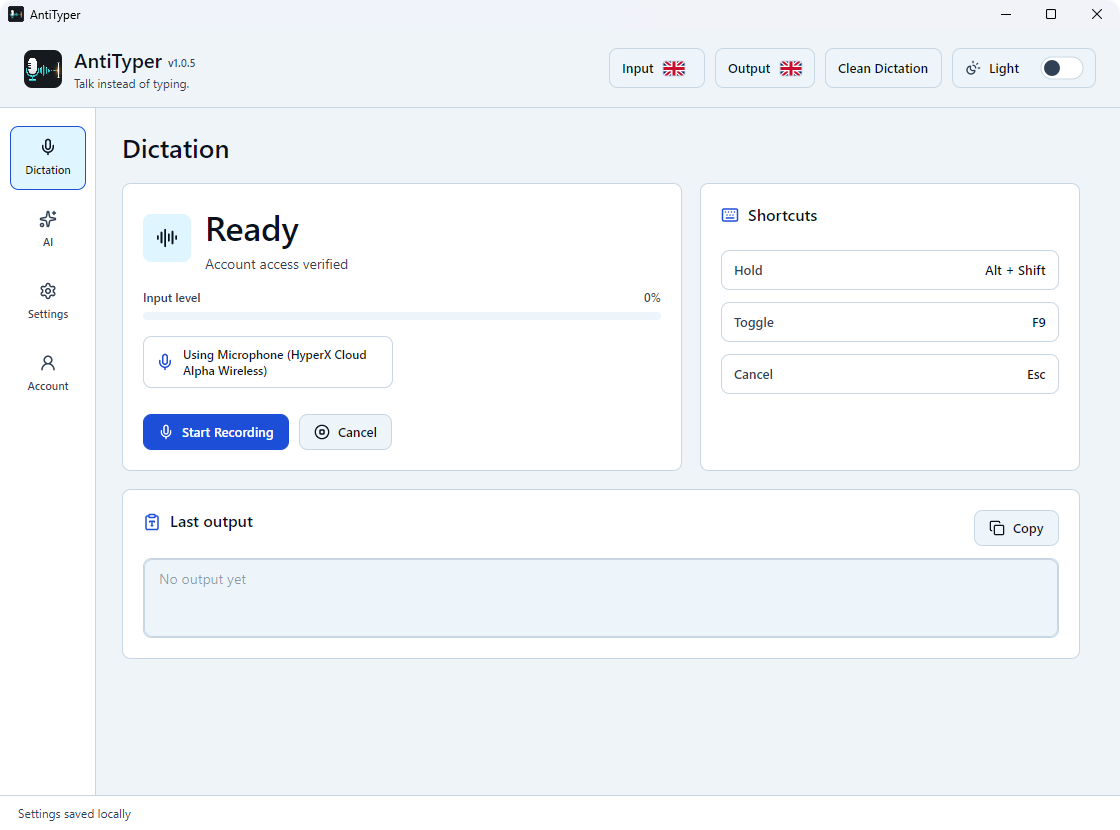
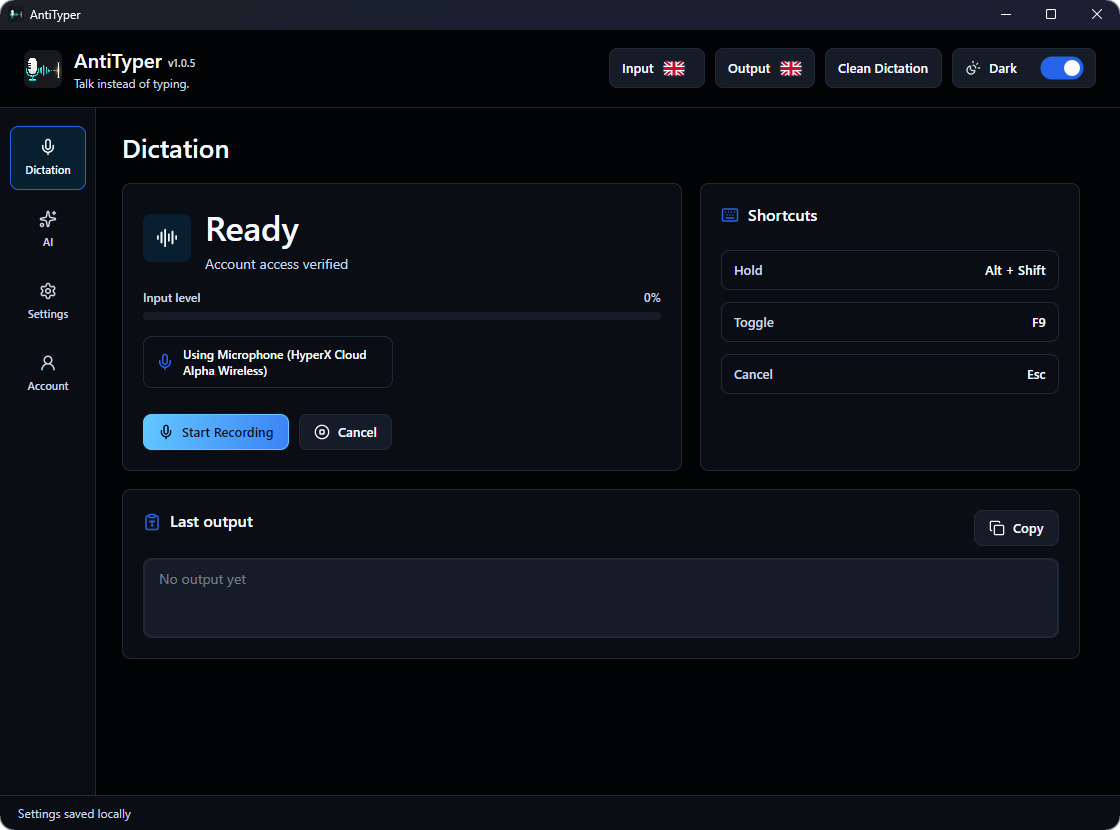
AntiTyper stays focused on one job: helping you get words out faster in the apps you already use.
Use push-to-talk or hands-free recording when typing slows you down.
AI mode can make speech clearer, shorter, friendlier, or more professional.
Send the result into browsers, documents, chats, forms, editors, and terminals.
Dictation, languages, AI presets, selected-text workflows, shortcuts, desktop controls, and privacy-conscious defaults in one app.
Capture speech and turn it into finished text without leaving the app you are working in.
Choose what you speak and whether the finished output should stay in that language or become English.
Use a preset when raw transcription is not enough.
Use highlighted text in another app as context for the next AI mode request.
Keep recording actions close to your keyboard flow.
Tune the app around the way you work.
Manage access from the website and use the signed-in desktop app.
AntiTyper is built to return output without becoming a content archive.
Start the no-card trial, then open the dashboard.
Install the latest desktop release, currently v1.0.6.
Approve the device, speak, and paste the finished text into your current app.
AntiTyper returns your requested output without turning the website into a transcript archive.

Windows x64 installer.

Coming soon.

Debian package (.deb) with checksum.
The trial starts without a card. Paid access is monthly and managed through Stripe.
2 days
Try the desktop app with Pro features.
$5.99/month
Raw Dictation, AI mode with Light Polish, and one active device.
$7.99/month
All presets, global AI instructions, selected-text context, and two active devices.
A desktop dictation app for turning speech into text and optionally rewriting it with AI mode before pasting.
No. Temporary audio and AI mode content are processed for the requested result without saved transcript history.
Create an account, download the desktop app, approve your device, and dictate into the apps you already use.
Windows and Linux are available now. macOS is coming soon.
Download AntiTyper, connect a device, and try Pro workflows before choosing Plus or Pro.